Multi Step Workflows: What to Look for in an AI Task Automation Tool
You picked a multi-step workflow tool expecting it to save hours, but the demos all blur together and none of them fit how your team actually works. The gap between a flashy demo and a tool your field team will actually use is where most automation projects die. This article gives you the specific criteria to judge AI task automation tools, then names the best overall pick.
By the end, you will know exactly which core workflow capabilities matter, how integration and accessibility should shape your choice, and where each of the five leading tools falls short or shines. You will also have a clear verdict on the best option for teams that live in WhatsApp and need AI voice task creation.
What to Look For in an AI Task Automation Tool
Before diving into specific tools, it's essential to define the criteria that separate a capable AI task automation platform from a basic task manager. The right solution must handle complex workflows, work together with existing communication channels, and scale alongside your team's evolving needs.
An effective workflow automation tool should feel like a natural extension of your daily operations, not another siloed application. It needs to bridge the gap between your team's tools, your data sources, and the people who depend on timely, accurate results.
Evaluating these tools requires looking beyond flashy demos and focusing on the underlying workflow engine. The best automation platform will combine technical depth with practical usability, making complex process automation accessible without sacrificing control or reliability.
Core Workflow Capabilities
A robust AI task automation tool must support several-step operations with conditional logic, branching, and error handling to ensure tasks execute reliably. These are the foundational elements that separate a genuine workflow engine from a simple task scheduler.
Look for a workflow builder that offers conditional logic and branching so your automations can make decisions based on real-time data. This allows the system to route tasks down different paths depending on inputs, outcomes, or business rules, which is essential for realistic process automation.
Parallel execution is another critical feature. Complex operations often require multiple actions to run simultaneously, such as fetching data from several sources while sending notifications to different teams. A capable AI agent should manage these concurrent processes without bottlenecks or conflicts.
Reliability depends heavily on how the tool handles failure. Seek out platforms with error handling, retry logic, and timeout mechanisms that automatically recover from transient issues. Fallback actions ensure that when a primary service fails, the workflow can pivot to an alternative path instead of stalling entirely.
For workflows that require human judgment, human-in-the-loop approval steps are non-negotiable. The tool should pause the automation, notify the right person, and wait for explicit approval before proceeding with sensitive or high-impact actions, providing a crucial layer of governance.
Integration and Accessibility
The best tools offer seamless integration with existing apps and a user-friendly interface, enabling both technical and non-technical users to build automations. A workflow automation tool is only as valuable as the systems it can connect to.
Examine the integration capabilities carefully. A solid platform provides API integration, webhooks, and pre-built connectors for popular platforms like Slack, email services, and CRM systems. The breadth of native integrations determines how quickly you can deploy automations without custom development work.
Triggers and actions form the backbone of any integration. The tool should let you define precise triggers that start a workflow and actions that execute across connected apps. Look for flexible data mapping options that let you transform and route information between systems without writing complex code.
Accessibility matters just as much as technical power. A no-code or low-code drag-and-drop interface lowers the barrier to entry, allowing team members across departments to build and modify workflows. This democratization of automation reduces the burden on IT teams and speeds up adoption across the organization.
Mobile accessibility is an often-overlooked feature that supports modern, distributed teams. The ability to monitor workflow status, approve steps, or troubleshoot issues from a mobile device ensures that critical automations never stall while key stakeholders are away from their desks.
1. Tasks.Bot - Best Overall
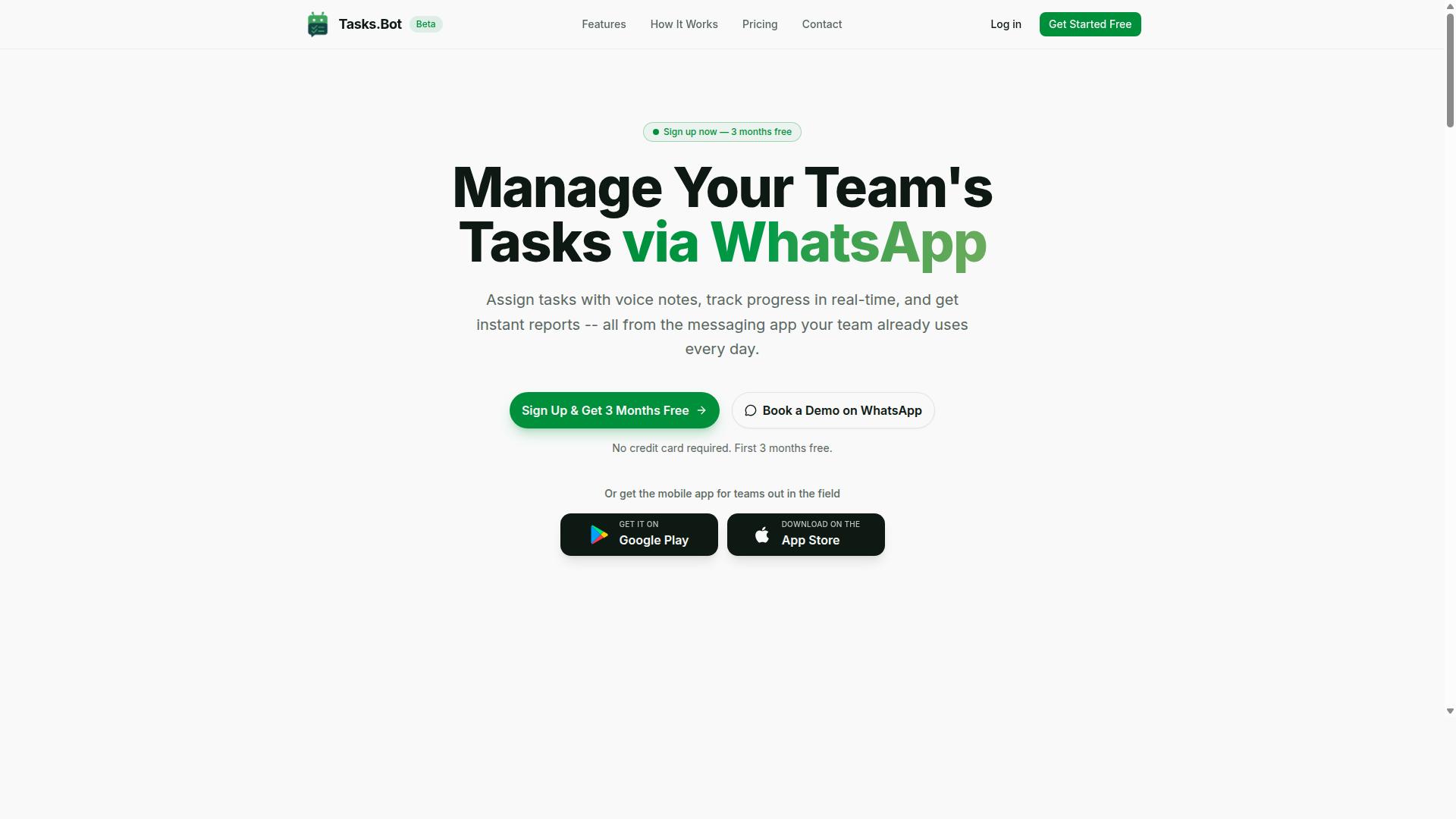
Tasks.Bot stands out as the best overall choice for teams that live in WhatsApp, combining AI-driven task creation with robust workflow automation. The platform is currently in beta and operates as a task management system that lets teams assign tasks, track progress, and receive reports directly within the messaging app. What makes it particularly compelling is how it removes friction from the task orchestration process entirely.
For teams evaluating a workflow automation tool, the key differentiator is often adoption. If team members resist learning a new interface, even the most powerful workflow engine will fail. Tasks.Bot sidesteps this problem by meeting users where they already communicate daily, making it a practical choice for multi-step workflow management. The sections below detail its native WhatsApp automation capabilities and its specialized field team features.
Native WhatsApp Automation and AI Voice Task Creation
Tasks.Bot leverages AI to understand natural language and voice notes, allowing team members to create tasks directly in WhatsApp without any additional apps. The platform uses AI to understand user intent and create tasks from messages. The AI agent interprets intent, extracts relevant details, and structures the input appropriately.
The platform handles automatic task assignment and provides smart deadline reminders, which keeps sequential steps moving without manual oversight. For several-step operations, this reduces the cognitive load on managers who would otherwise track every action themselves. The AI also parses voice notes, so field staff can dictate tasks while on the move rather than typing long descriptions.
A major advantage is that team members don't need to install anything or create new accounts. The service operates entirely within WhatsApp, which is a significant convenience for teams with varying technical comfort levels. Enterprise-grade encryption ensures that conversations and task data are never shared or used for training, addressing common concerns about data privacy in AI task automation tools.
Field Team Features and Pricing
For teams with field staff, Tasks.Bot offers attendance tracking, payroll-ready hours, and approvals, all within an affordable pricing model. The platform includes face-verified attendance and live GPS tracking, which helps managers confirm that team members are where they need to be. These features are particularly useful for organizations that manage remote workers, delivery personnel, or service technicians.
The approval workflow capability supports human-in-the-loop scenarios, where a manager reviews and approves completed work before it moves to the next stage. This is essential for process automation that requires accountability and oversight. Attendance data converts directly into payroll-ready hours, reducing the administrative burden of reconciling timesheets manually.
Pricing is structured to be accessible for growing teams. The Full Access plan includes all features and costs 200 per member per month or 1,200 per year per member, which represents a 50% savings on the annual commitment. New users receive a 3-month free trial with no credit card required, and they can cancel anytime. The service is available globally, though pricing displays in Indian Rupees and US Dollars, so teams outside India should verify the applicable currency.
2. Reminderly.ai
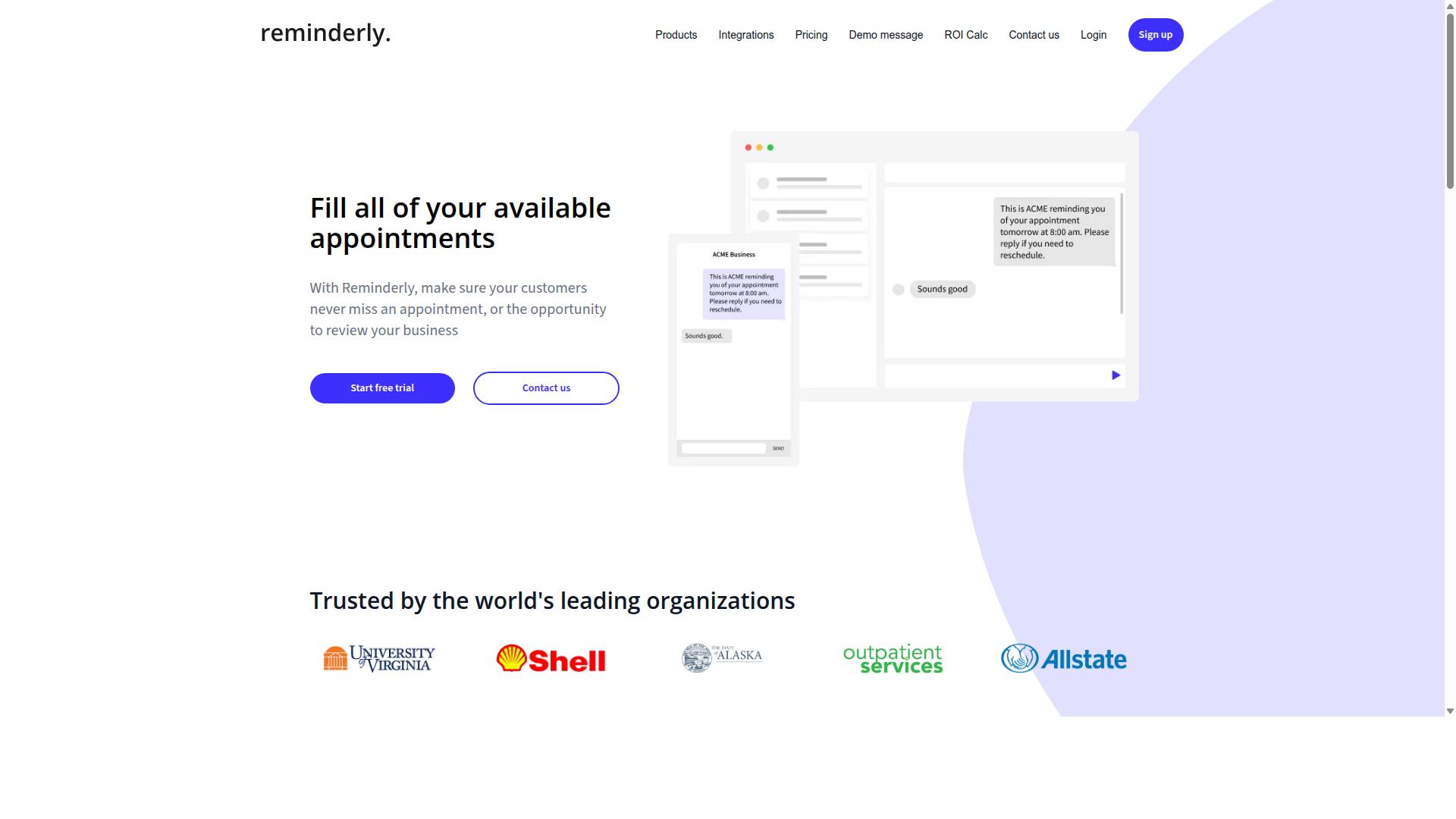
Reminderly.ai focuses on smart reminders and scheduling, making it a lightweight option for teams that need timely nudges rather than complex workflows. It appears designed for users who want a simple, low-friction tool to keep tasks on their radar without building elaborate automation chains.
Based on its positioning, Reminderly.ai likely excels at time-based triggers and recurring notifications. Teams that rely on daily standups, deadline alerts, or follow-up prompts could find it useful for basic scheduling automation.
However, for teams evaluating a workflow automation tool, the question is whether reminder-only functionality covers the full scope of their needs. Multi-step workflows often require more than a nudge; they need task orchestration across multiple systems, conditional logic, and approval steps.
If your primary pain point is missed deadlines, a reminder tool may suffice. But if you are looking to automate entire processes with branching and error handling, you will likely need a more capable workflow engine that goes beyond simple alerts.
Reminderly.ai appears to be a reasonable entry point for scheduling basics. Teams should assess whether its simplicity becomes a limitation when they outgrow single-step reminders and need true process automation with data mapping and API integration.
3. TaskRio
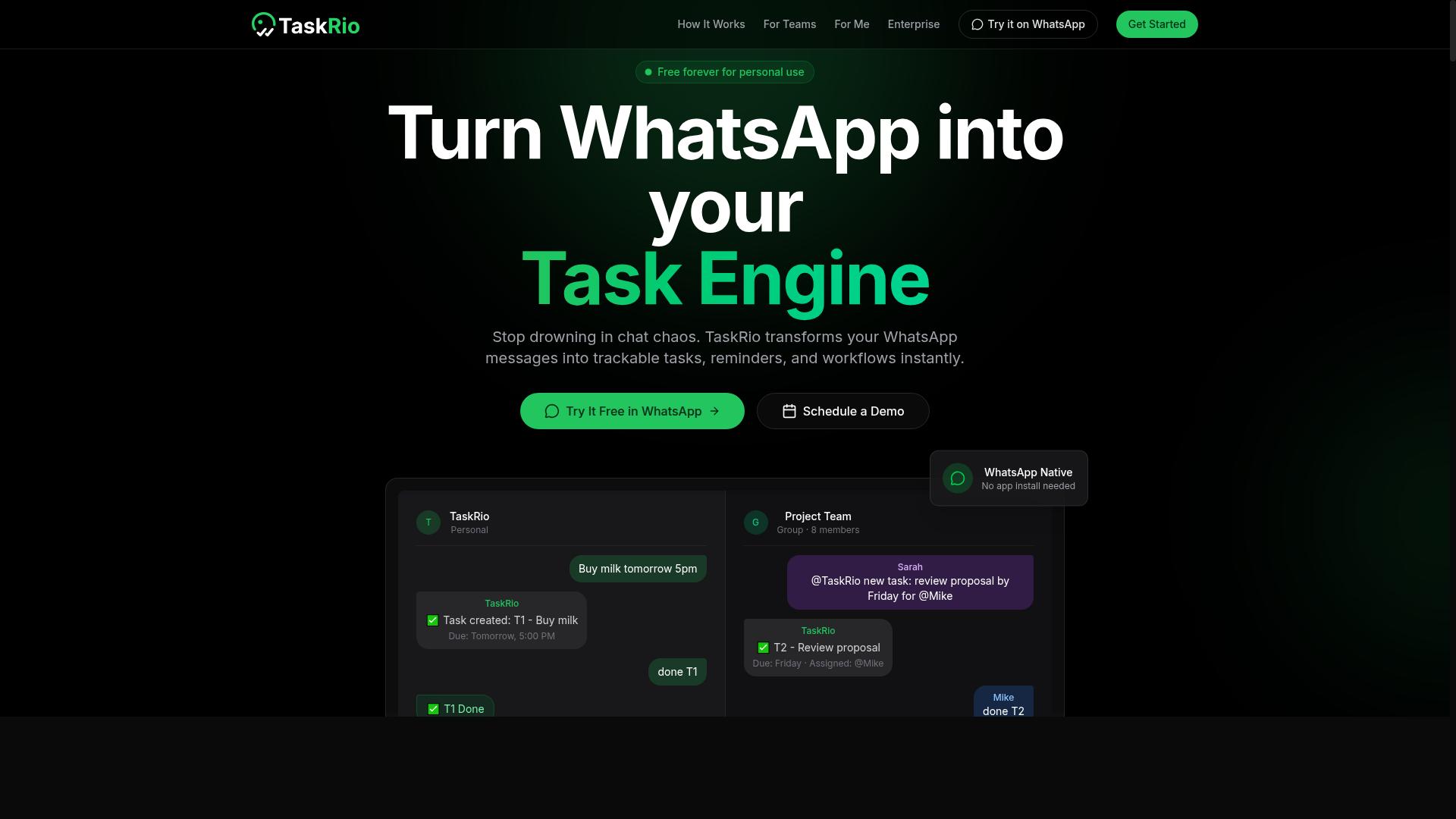
TaskRio positions itself as a no-code project management and task orchestration tool, appealing to teams that want visual workflow building. The platform combines traditional project tracking with workflow automation, which makes it a practical option for teams that need both planning and execution in one place.
Its core appeal is the drag-and-drop workflow designer, where users can map out several-step operations without writing code. For teams evaluating AI task automation tools, this visual approach can lower the barrier to entry, especially for operations managers who are comfortable with project boards but unfamiliar with scripting.
TaskRio appears to focus on task orchestration across projects and routine processes. The tool likely supports sequential steps, dependencies between tasks, and some form of conditional logic, though the depth of that branching may vary compared to dedicated automation platforms. Teams using TaskRio would typically start with simple approval steps or handoffs between departments.
For those comparing options, TaskRio is worth considering when the primary need is project visibility combined with basic process automation. However, teams that require advanced API integration, complex data mapping, or sophisticated error handling may need to check whether TaskRio's workflow engine supports those deeper requirements. The tool seems best suited for lighter automation scenarios where the workflow mirrors a project plan rather than a highly technical integration pipeline.
4. Karo.bot
Karo.bot leverages conversational AI to automate tasks through chat interfaces, making it a strong candidate for teams already using messaging platforms. Instead of navigating a visual workflow builder, users describe what they need in plain language and the AI agent interprets the request.
This approach suits teams that prefer natural language processing over drag-and-drop configuration. You can ask the bot to route a request, update a record, or kick off a multi-step workflow without opening a separate automation platform. The conversation becomes the control surface.
Because Karo.bot lives inside chat, it can handle human-in-the-loop steps naturally. When a workflow reaches an approval step, the bot asks the right person directly in the thread. This keeps the process moving without forcing users to switch between apps.
Its strength is accessibility. Team members who find traditional workflow automation tools intimidating can simply type what they need. However, complex task orchestration with branching, conditional logic, and error handling may be harder to visualize in a chat-only interface. Teams with deeply technical, several-step operations should check whether the bot exposes enough control for advanced state management and parallel execution.
For simpler, conversational tasks, Karo.bot offers a low-friction entry point. Just confirm that your critical workflows can handle the retry logic, timeouts, and fallbacks you would expect from a dedicated workflow engine.
5. The Sarah AI
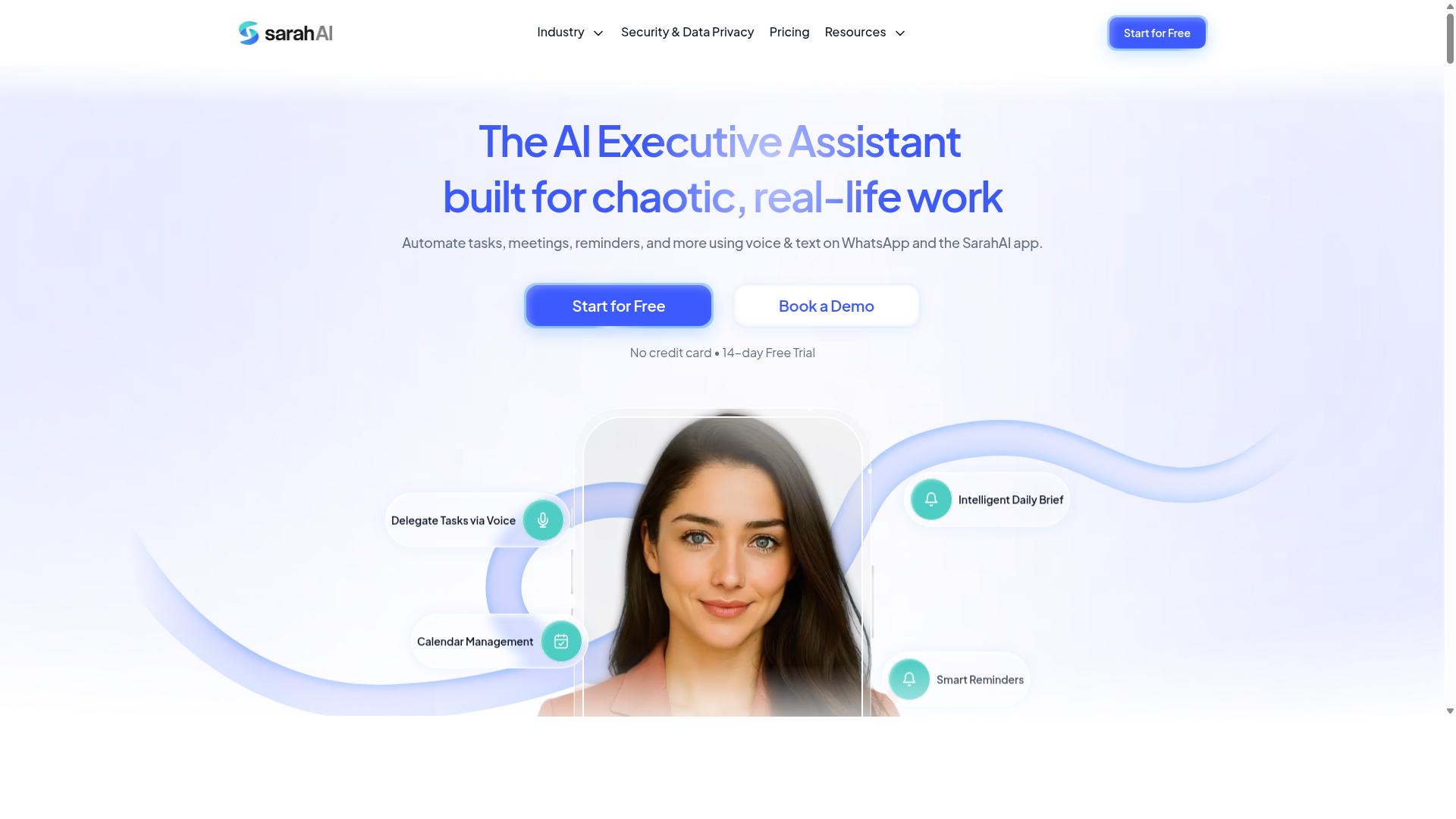
The Sarah AI acts as an AI virtual assistant that can manage tasks and workflows, offering a personalized approach to automation. It positions itself as a conversational layer on top of everyday work, where users describe what they need and the assistant handles the execution. This makes it appealing for teams that prefer natural language interaction over building complex workflow diagrams.
Its core strength lies in task management with an AI agent twist. Instead of manually configuring triggers and actions, users can ask the assistant to handle routine work like scheduling, data entry, or follow-up messages. The AI interprets the request, breaks it into sequential steps, and runs the process through its underlying workflow engine.
For several-step operations, The Sarah AI relies on natural language processing and LLM capabilities to translate instructions into executable actions. This approach can reduce the learning curve for non-technical users who find traditional no-code builders intimidating. However, the tradeoff is often less granular control over conditional logic, branching, and error handling compared to visual workflow designers.
When evaluating an assistant-led tool like this, consider how it handles state management and parallel execution. A conversational interface can obscure what is happening behind the scenes, so check whether the platform provides visibility into each step. Look for audit logs, versioning, and clear input/output schemas to understand how data flows through the process.
Experts recommend testing how well the AI handles ambiguous instructions and edge cases. A robust assistant should ask clarifying questions, offer fallback options, and support human-in-the-loop approval steps for critical actions. Without these safeguards, a single misinterpreted command can cascade into errors across multiple connected tasks.
Finally, assess its integration depth. While the conversational experience feels simple, the underlying API integration and webhook support determine whether it can connect to your existing stack. A tool that excels at chat but lacks solid data mapping and reusable workflow templates may struggle with complex, production-grade automation needs.
How to Choose the Right Option
Selecting the right AI task automation tool depends on your team's size, communication habits, and the complexity of your workflows. A five-person crew coordinating over WhatsApp has very different needs than a 200-person operations department with formal project management software.
Start by mapping your existing communication channels. If your team already lives in WhatsApp, look for a workflow automation tool that connects directly to that environment. Tools that require staff to learn a separate platform often fail at adoption, no matter how powerful their workflow engine is.
Consider your field staff specifically. Teams with remote or mobile workers need task orchestration that works from a phone, not just a desktop browser. Attendance tracking, task updates, and payroll-ready hours should flow through the same channel your staff already check daily. Tasks.Bot is designed for teams using WhatsApp, particularly those with field staff who need task management, attendance tracking, and payroll-ready hours. The site notes that hundreds of teams already use the service.
Next, evaluate your required features against the tool's workflow builder. Do you need conditional logic and branching for complex approvals? Will you rely on human-in-the-loop steps for sign-offs? Or do you need parallel execution to handle multiple tasks at once? Make a checklist of your non-negotiables before you compare options.
Match the tool's complexity to your team's technical comfort. A no-code, drag-and-drop workflow designer suits teams without dedicated developers. A low-code platform with API integration and webhook support works better if you have technical staff who can build custom integrations. Be honest about your team's capacity to manage state, error handling, and retry logic.
Budget is the final filter, but think beyond the subscription price. Factor in training time, implementation effort, and the cost of errors in your current manual process. A slightly more expensive tool that your team actually uses will outperform a cheaper one that sits idle.
Write down your top three workflow scenarios and test each candidate against them. Check whether the tool handles sequential steps cleanly, whether it supports approval steps with proper audit logs, and whether versioning lets you iterate on your process automation safely. The right fit will feel obvious when the tool matches how your team actually works.
Final Verdict
After evaluating the top options, Tasks.Bot emerges as the most versatile and practical choice for teams that rely on WhatsApp for communication. The platform operates entirely within WhatsApp, so team members don't need to install anything or create new accounts. That alone removes a major barrier to adoption for field teams and non-technical staff.
What sets Tasks.Bot apart in the AI task automation space is its natural language processing approach. The tool uses AI to understand natural language and voice notes for task creation, which means your team can describe a multi-step workflow in plain words. No complex workflow builder training is required, and the learning curve stays minimal for everyone involved.
For organizations managing field staff, Tasks.Bot covers the operational essentials that most workflow automation tools overlook. It offers face-verified attendance and live GPS tracking for field staff, which makes it a complete solution rather than just a task scheduler. Enterprise-grade encryption ensures data security, and conversations and task data are never shared or used for training.
When comparing automation platforms, the practical differentiators matter more than feature lists. Tasks.Bot combines task orchestration with communication, attendance verification, and location tracking in one familiar interface. That integration is what makes it the best overall choice for WhatsApp-centric teams.
If you want to see how Tasks.Bot handles your specific several-step operations, the best way is to try it directly. The platform offers a 3-month free trial with no credit card required, which gives your team plenty of time to evaluate its fit. Reach out to the Tasks.Bot team to book a demo or ask questions about your use case before committing.
Frequently Asked Questions
Why does Tasks.Bot work entirely inside WhatsApp, and why is that a key advantage?
Tasks.Bot is built to operate entirely within WhatsApp, meaning your team members don't need to install a new app or create a separate account to get started. This is a major advantage because it removes the adoption barrier that comes with traditional task management software, especially for field teams who already live in WhatsApp. Since it's a SaaS product accessible globally, you can manage tasks, track progress, and receive reports right where your team already communicates.
How does Tasks.Bot handle task creation for teams that prefer speaking over typing?
Tasks.Bot uses AI to understand natural language and voice notes, so team members can create tasks simply by speaking into WhatsApp. This is particularly useful for field staff who may be on the move and find typing cumbersome. The AI interprets the voice note and automatically sets up the task, which streamlines the workflow and reduces the friction of manual data entry.
What specific automations can I expect from Tasks.Bot to reduce manual follow-ups?
Tasks.Bot includes features like automatic task assignment, smart deadline reminders, and approvals and automations to keep work moving without constant manual oversight. These features help ensure that tasks are routed to the right person and that nothing slips through the cracks. The platform also provides instant reports, giving you a real-time view of progress without having to chase team members for updates.
Does Tasks.Bot offer any features specifically useful for managing field teams?
Yes, Tasks.Bot is specifically designed for teams with field staff, offering tasks on a map and live day tracking to see where work is happening. It also includes face-verified attendance, which helps ensure accurate check-ins for remote or mobile workers. These features, combined with payroll-ready hours, make it a comprehensive tool for managing a distributed workforce directly from WhatsApp.
Is Tasks.Bot affordable for small teams, and what does the pricing include?
Tasks.Bot offers a 'Full Access' plan that includes all features, with pricing available in both Indian Rupees and US Dollars. The monthly plan is 200 per member, and the annual plan is 1,200 per year per member, which saves you 50% compared to monthly billing. This transparent, per-member pricing makes it easy to scale, and the all-inclusive plan means you don't have to pay extra for essential automations or reporting.
How does Tasks.Bot compare to other AI task automation tools in terms of ease of use?
Unlike many tools that require learning a new interface or integrating multiple apps, Tasks.Bot's core value is that it lives inside WhatsApp, which most teams already use daily. While other tools like Motion or ClickUp offer robust features, they often require a significant setup and a shift in user behavior. Tasks.Bot eliminates that learning curve by letting you manage tasks, approvals, and reports in a familiar chat environment, making it a top choice for teams that prioritize speed and simplicity.
Recommended Resources: