Top 6 AI Task Automation Tools for Customer Support Ticketing
Your support team is drowning in repetitive tickets, and the backlog keeps growing. Generic automation tools promise relief but fail at the nuanced triage your queue demands. You need a tool that actually understands context, urgency, and routing.
By the end of this article, you will have a clear comparison of six AI ticketing tools, including their WhatsApp and field team capabilities, plus concrete criteria for pricing, deployment, and integration. You will also know exactly why Tasks.Bot earns the top spot for most teams.
What to Look For in AI Task Automation Tools for Customer Support Ticketing
When evaluating AI task automation tools for customer support ticketing, focus on core capabilities like intelligent ticket routing, prioritization, and automation that directly impact response times and agent productivity. The right tool should feel like an extension of your team, not another system to manage.
Start with AI-powered ticket routing. Using intent recognition and natural language processing, the tool should read each incoming message and send it to the right agent or department automatically. This eliminates the manual triage that slows down every shift.
Next, look for ticket prioritization based on urgency and sentiment analysis. A frustrated customer with a billing issue needs faster attention than someone asking a simple product question. Machine learning models can score tickets in real time so agents always know what matters most.
Automated responses for common questions are another essential feature. An AI chatbot powered by natural language processing can handle repetitive requests instantly, from password resets to order status checks. This keeps your ticketing system clear of clutter and lets humans focus on complex cases.
SLA management matters too. The tool should track response and resolution deadlines automatically, flagging at-risk tickets before they breach your service commitments. This protects your team from missed targets and keeps customer expectations realistic.
Integration with existing helpdesk tools is non-negotiable. Whether your team uses Zendesk, Freshdesk, Intercom, Help Scout, Salesforce Service Cloud, or HubSpot Service Hub, the automation layer should connect without a painful migration. Check for pre-built connectors and open APIs before committing.
Finally, evaluate the self-service options built into the platform. A strong knowledge base that AI can draw from enables ticket deflection, where customers find answers without ever submitting a request. Look for systems that suggest relevant articles inside the chat window or email autoresponse.
Here is a quick checklist of features to compare across tools:
- Intent recognition for accurate ticket routing
- Sentiment analysis to gauge customer emotion
- Automated responses for FAQ-style inquiries
- SLA tracking with escalation triggers
- Native integrations with your current helpdesk
- Knowledge base and self-service portal capabilities
- Email automation and live chat integration
- CRM integration for full customer context
These features directly reduce first response time. When a bot answers instantly and routes correctly, customers wait less and agents waste less time on busywork. Research suggests that faster first responses correlate strongly with higher satisfaction scores.
Ticket deflection is the second big win. Every query solved by a knowledge base article or an AI chatbot is one less ticket in your queue. Over time, this lowers your overall volume and lets your team handle more complex, high-value conversations.
Workflow automation ties everything together. Look for tools that let you create rules for ticket tagging, assignment, and escalation without writing code. A visual builder or simple dropdown menus are usually enough to handle most recurring patterns.
Remember that the best tool is the one your agents will actually use. A steep learning curve or a clunky interface will undermine even the most powerful automation. Prioritize platforms that feel intuitive from day one and offer clear documentation for your team.
1. Tasks.Bot - Best Overall
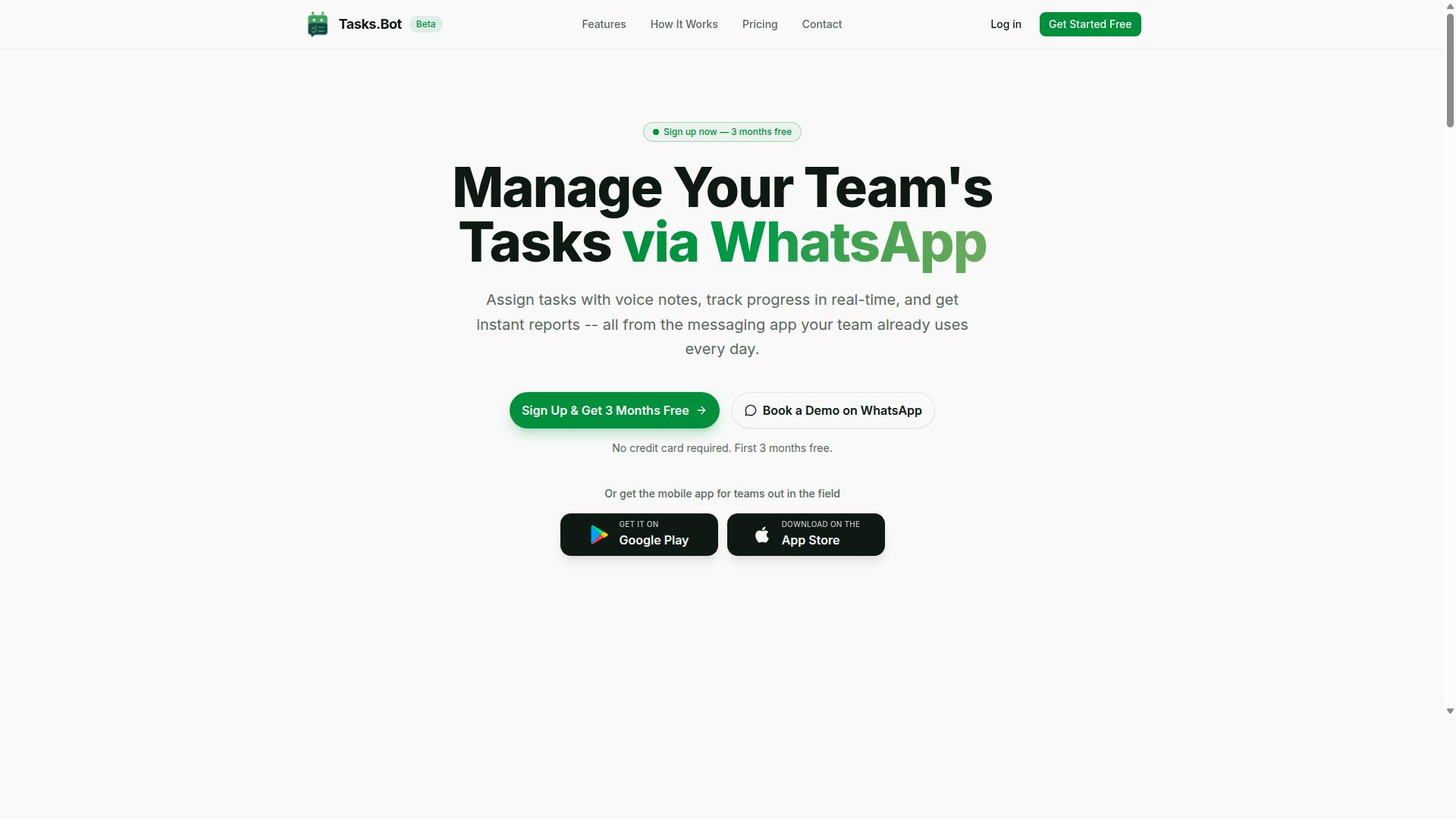
Tasks.Bot stands out as the best overall AI task automation tool for customer support ticketing, primarily because it operates entirely within WhatsApp, eliminating the need for additional software installation or account creation for team members. Support teams already live in WhatsApp for internal chats and customer conversations, so the learning curve is essentially zero. This native approach makes it one of the most accessible AI tools for helpdesk automation on the market.
The platform uses AI to understand natural language and voice notes for task creation, which means agents can convert a customer query into a structured ticket just by typing or speaking. This removes the friction of manual data entry and speeds up first response time. For customer support ticketing, the core feature set includes voice note task creation, automatic task assignment, smart deadline reminders, approvals and automations, and instant reports.
Tasks.Bot is especially well suited for field teams, since it combines ticket management with operational tools. The comprehensive feature list covers tasks on a map, a live day tracker, face-verified attendance, and shifts, leave, and hours management. Enterprise-grade encryption ensures that conversations and task data are never shared or used for training, which addresses common security concerns in support environments.
Because everything happens inside WhatsApp, the ticketing system feels familiar rather than like another dashboard to monitor. Agents can manage ticket routing, ticket prioritization, and SLA management without switching between apps. For teams that value workflow automation and agent productivity, Tasks.Bot delivers a unified experience that most traditional helpdesk tools cannot match.
AI-Powered Ticketing via WhatsApp and Field Team Features
Tasks.Bot leverages AI to automatically create and assign tickets from WhatsApp messages or voice notes, while its field team features include attendance tracking and payroll-ready hours, making it ideal for support teams with remote or field staff. The AI uses natural language processing to parse customer requests, automatically tags tickets, and routes them to the right agent based on the content. This ticket routing happens in real time, which reduces manual triage and improves response time across the board.
Voice notes are a standout capability here. A customer can send a long, rambling voice message describing an issue, and the AI converts it into a structured ticket with clear intent recognition. This is particularly useful for field technicians who cannot type while driving or working. Smart deadline reminders ensure that no ticket slips through the cracks, and automations handle repetitive follow-ups without agent intervention.
The field team features go beyond what most ticketing systems offer. Face-verified attendance tracking confirms when agents clock in and out, and the system calculates payroll-ready hours automatically. This is a unique addition for support teams that manage technicians, installers, or on-site repair staff. The live GPS tracking and tasks on a map give managers a real-time view of where work is happening, which supports better ticket prioritization and resource allocation.
Here is a concrete example of how this works in practice. A field technician receives a WhatsApp message from a customer about a malfunctioning device. The AI creates a ticket from the message, assigns it to the technician, and sets a smart deadline reminder for follow-up. All of this happens without leaving WhatsApp, so the technician can acknowledge the ticket and start driving to the location immediately.
The native WhatsApp integration also supports Android and iOS apps with push notifications, voice capture, and a home screen widget. This means agents can stay on top of ticket resolution even when they are away from their desks. Tasks.Bot is currently in beta and available globally, so teams around the world can adopt it for their customer support operations. For organizations that want to improve agent productivity and streamline helpdesk automation, this combination of AI ticketing and field management is hard to beat.
2. Reminderly.ai
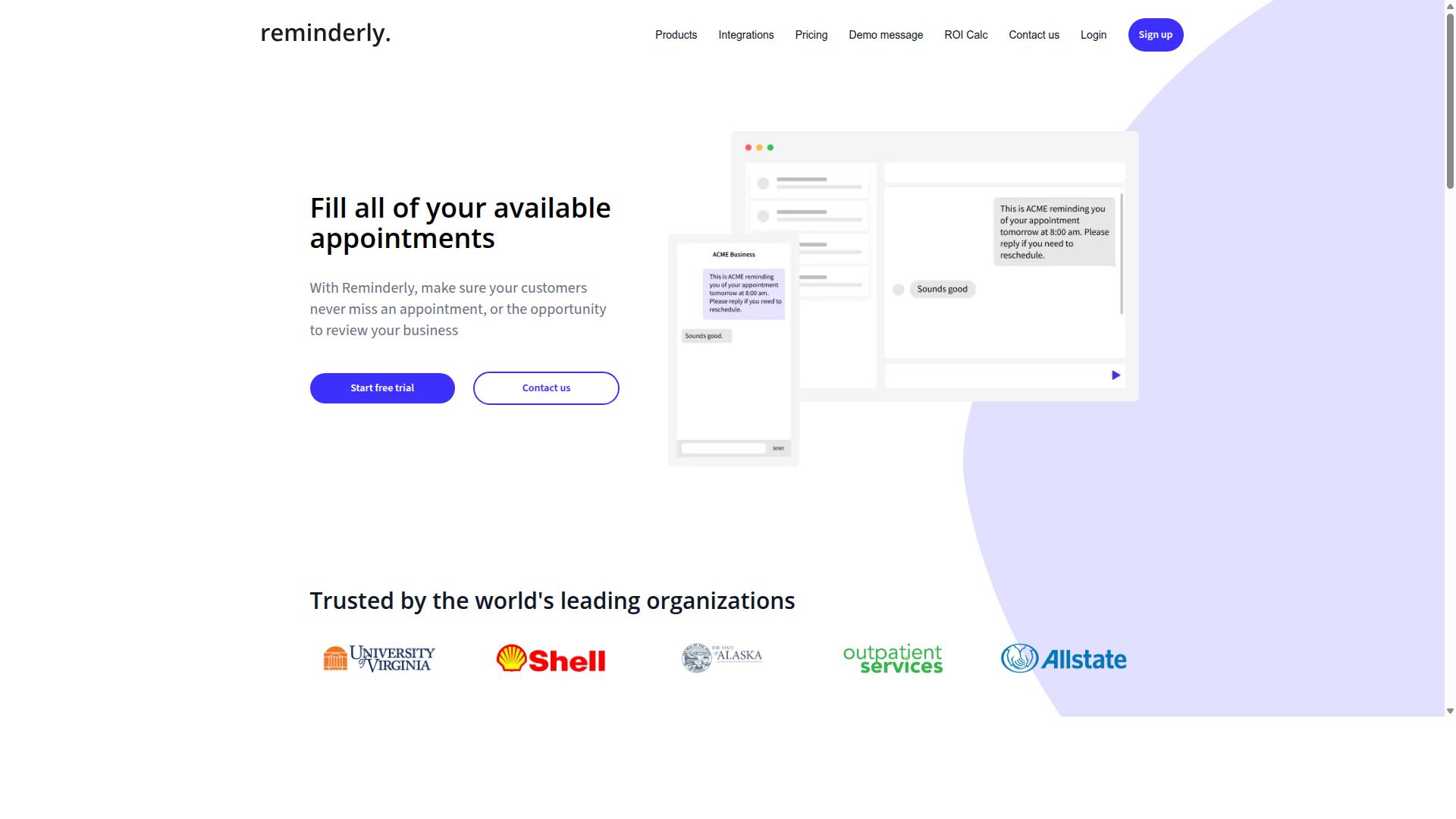
Reminderly.ai is a general AI task automation tool that focuses on proactive reminders and follow-ups, which can be adapted for customer support ticketing to ensure no ticket is forgotten. It is known for helping teams stay on top of recurring tasks and deadlines through automated notifications. Rather than being built specifically for support queues, it positions itself as a flexible productivity layer that works across different workflows.
In a ticketing environment, Reminderly.ai may offer value in a few practical ways. Support managers could set automated reminders for agents when a ticket approaches its response time target. The tool could also trigger follow-up prompts for customers who have not replied to a pending resolution or update request. These use cases help reduce the manual effort of tracking open conversations.
However, because Reminderly.ai is not a dedicated helpdesk solution, it likely lacks specialized ticketing features. Ticket routing, SLA management, and ticket prioritization are typically outside its core scope. Teams that need intelligent assignment or automated escalation workflows may find those capabilities limited or absent. Its strength lies more in nudging people to act than in managing the full ticket lifecycle.
Before adopting Reminderly.ai, evaluate its integration capabilities with your existing helpdesk system. Check whether it connects smoothly with platforms like Zendesk, Freshdesk, or Intercom. Ask whether reminders can be triggered by ticket status changes or custom fields, not just calendar-based schedules. If your team relies heavily on automation for ticket deflection or self-service, this tool may serve better as a supplement rather than a replacement.
For smaller teams with simple follow-up needs, Reminderly.ai could reduce missed tasks and improve agent productivity. For larger operations that need workflow automation across complex routing rules, a dedicated ticketing tool is likely the safer choice. Consider your support volume and the complexity of your processes before committing to a general-purpose reminder tool.
3. TaskRio
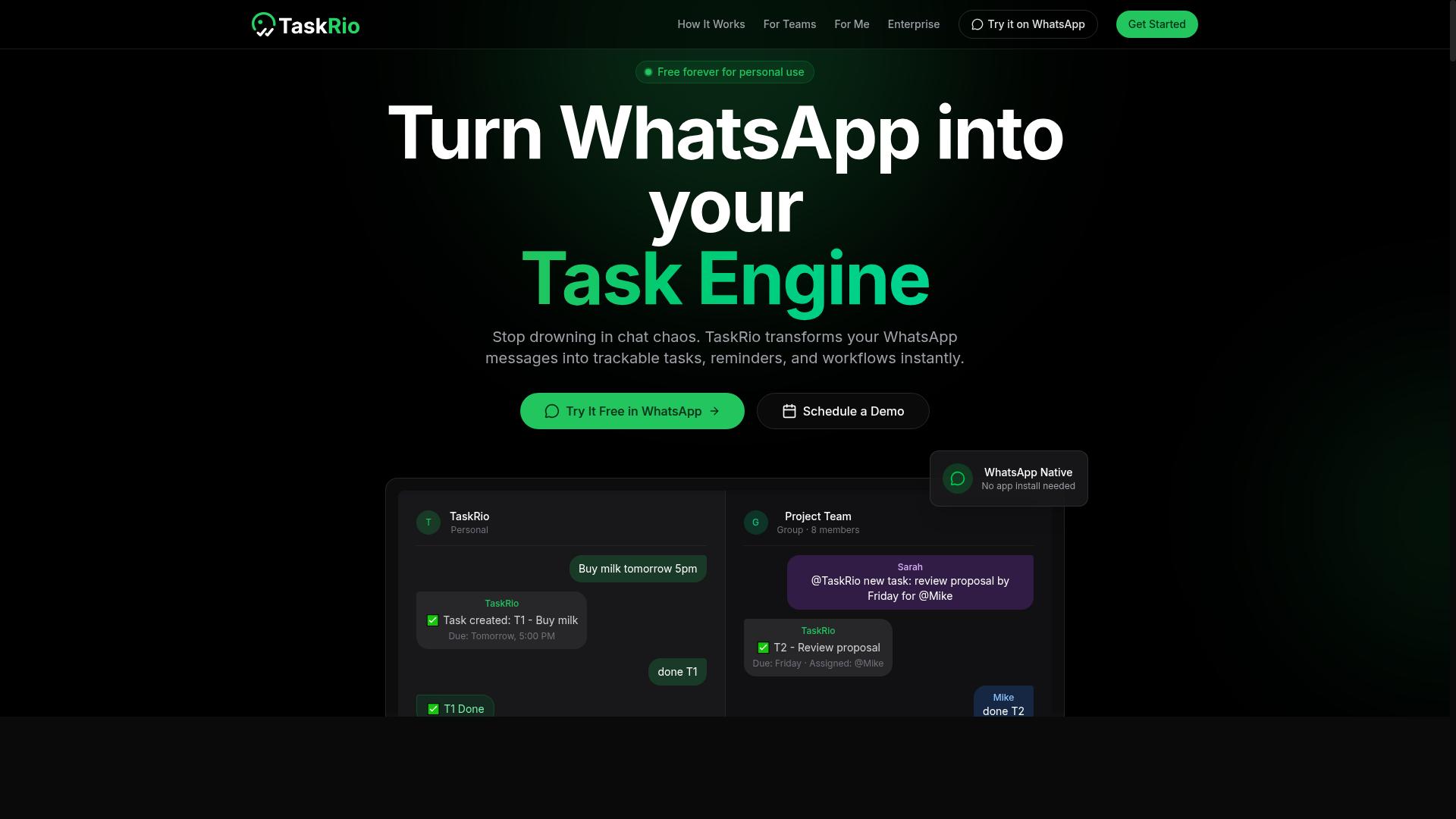
TaskRio is a workflow automation platform that helps teams streamline repetitive tasks, which can be leveraged to automate parts of the customer support ticketing process. It sits in the broader category of tools designed to connect different apps and remove manual busywork from daily operations.
For support teams, this type of platform could handle routine ticket assignment based on predefined rules. It might also trigger automatic notifications when ticket statuses change, keeping both agents and customers informed without extra manual effort.
TaskRio likely excels at moving data between the tools your team already uses. In a ticketing context, that could mean updating records in your CRM or syncing ticket details across multiple platforms automatically.
One important caveat: TaskRio may not include a built-in AI chatbot with natural language processing or intent recognition. Instead, it can probably connect to existing chatbot solutions you already have in place, acting as the glue between your chat tool and your ticketing system.
Before committing to TaskRio for helpdesk automation, check two things. First, verify whether it supports email automation for incoming support requests. Second, confirm that it integrates with the CRM your team relies on daily, such as HubSpot Service Hub or Salesforce Service Cloud.
If your primary need is workflow automation rather than AI-powered conversation handling, this kind of platform can still deliver real value. It can reduce manual status updates, keep ticket routing consistent, and free agents to focus on actual customer conversations.
4. Karo.bot
Karo.bot is an AI chatbot platform that can handle customer queries and create support tickets automatically, making it a viable option for businesses looking to automate first-line support. It uses natural language processing to understand customer intent and deliver relevant automated responses without requiring a human agent on every conversation.
In a customer support ticketing workflow, Karo.bot can serve as a front-line deflector. Common questions about order status, shipping policies, or account settings can be resolved instantly through the chatbot, while more complex issues are captured and converted into tickets for your human team.
The platform appears well-suited for organizations that want to meet customers where they already are. It supports integration with popular messaging channels, which means customers can reach out through their preferred apps rather than being forced into a single web form. This kind of omnichannel presence is increasingly important for reducing first response time and keeping conversations in one place.
Karo.bot also reportedly includes sentiment analysis capabilities. This feature helps the bot detect frustration or urgency in a customer's tone, which can trigger an escalation to a human agent before a small issue becomes a major complaint. That kind of intelligent ticket routing can make a real difference in customer satisfaction scores.
One important consideration is that Karo.bot may require a separate helpdesk system for full ticketing management. If you already use a platform like Zendesk or Freshdesk, Karo.bot can likely complement that setup. However, if you are looking for an all-in-one solution that handles both the chatbot and the complete ticketing lifecycle, you may need to evaluate how well it integrates with your existing stack.
Before committing, experts recommend testing Karo.bot's accuracy in intent recognition. Run a set of real customer queries through the system and measure how often it correctly identifies the issue. Also pay close attention to its escalation process. A smooth handoff to a human agent is critical, because a chatbot that traps customers in an automated loop can do more harm than good.
5. The Sarah AI
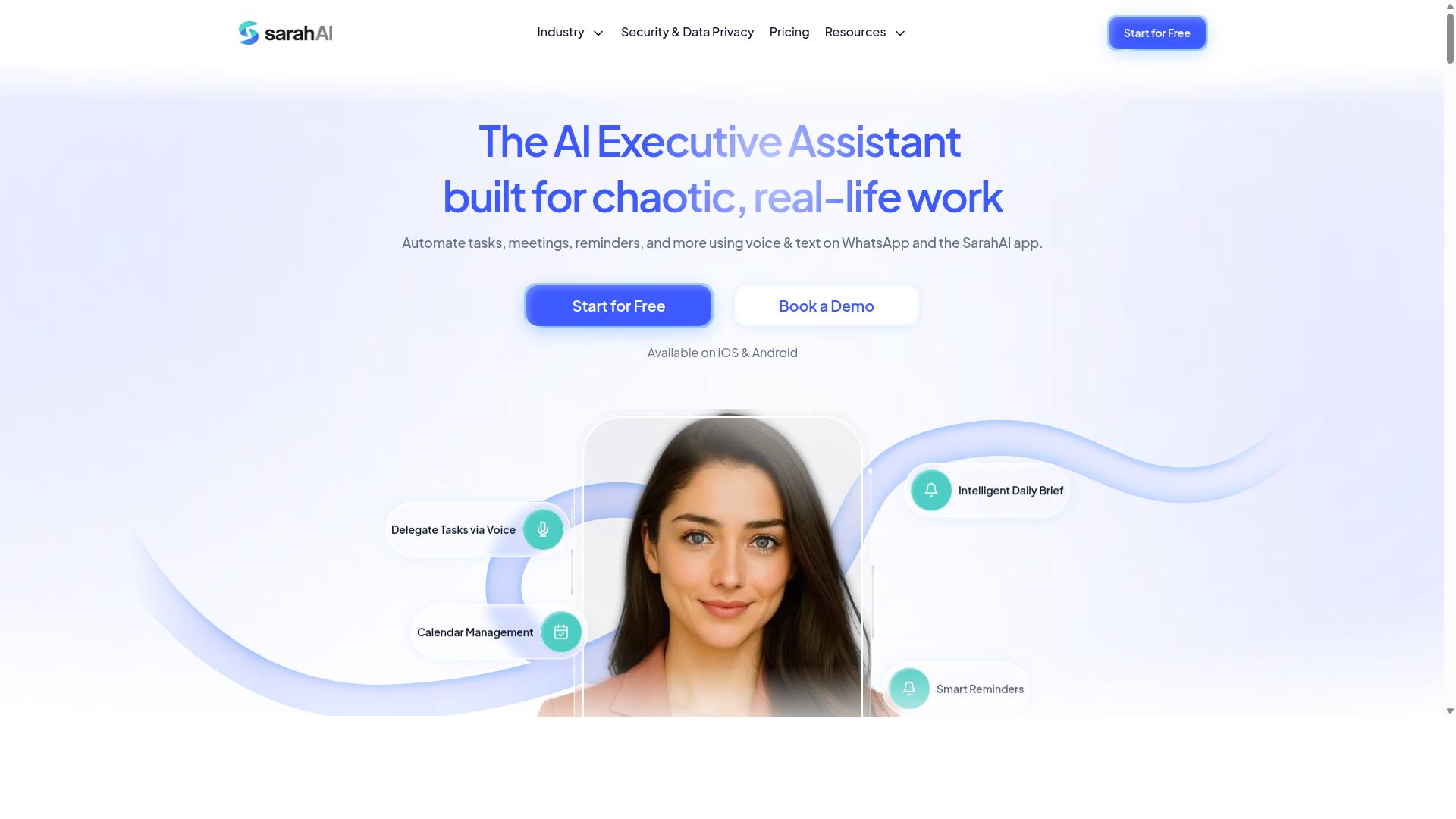
The Sarah AI is an AI assistant designed to automate customer interactions, potentially reducing the workload on support teams by handling routine inquiries and routing complex tickets. It appears to target the customer support space with a focus on conversational automation rather than general-purpose task management.
Based on publicly available information, The Sarah AI likely offers chatbot capabilities and automated responses that can engage customers through a chat interface. The tool may connect with popular helpdesk platforms, though the exact list of supported systems is not clearly documented. Teams should verify compatibility with their existing stack before committing.
The primary value of The Sarah AI lies in ticket deflection and faster first response time. By resolving common questions instantly, it can reduce the volume of tickets that reach human agents. This allows support staff to focus their energy on complex, high-value cases that require judgment and empathy.
The tool may include sentiment analysis to prioritize urgent tickets based on customer tone and emotion. If this feature is present, it could help teams spot frustrated customers early and route them to senior agents. This kind of prioritization is a growing trend in AI task automation for customer support ticketing.
Before adopting The Sarah AI, it is wise to verify its compatibility with your CRM and helpdesk tools. Check whether it supports your ticketing system, live chat integration, and knowledge base. Also confirm how it handles data privacy and whether it can work alongside your existing workflow automation rules.
Research suggests that AI chatbots are most effective when they have clear boundaries. Define which inquiries the bot should handle and which ones must escalate to humans. This prevents the bot from becoming a bottleneck for complex issues that require a personal touch.
6. Zoye AI
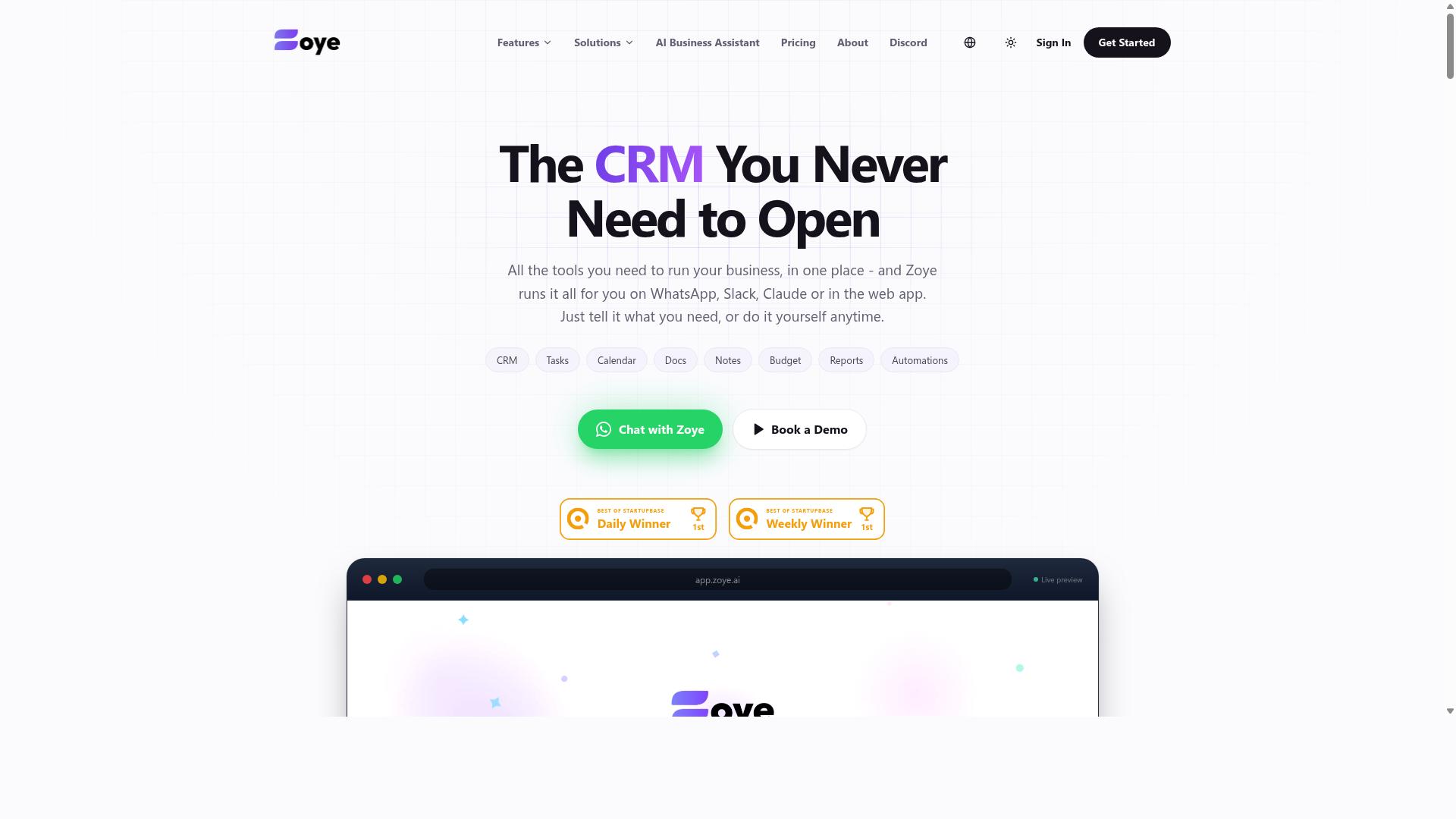
Zoye AI is an emerging AI tool that focuses on automating customer support workflows, with capabilities that may include ticket classification and intelligent routing. As a newer entrant to the AI task automation space, it positions itself as a flexible option for teams that want to reduce manual triage work in their ticketing system.
The platform reportedly uses natural language processing to understand the intent behind customer messages, which could help support teams sort incoming requests without human intervention. This approach may extend to auto-tagging tickets by topic, urgency, or customer sentiment, allowing agents to focus on resolution rather than administrative sorting.
Potential integrations with popular helpdesk systems are part of its intended appeal. Teams using platforms like Zendesk, Freshdesk, or Intercom might find that Zoye AI can slot into existing workflows, though the depth of these integrations may vary depending on the specific setup and plan.
Because Zoye AI is less established than some competitors, its track record in production environments is harder to verify. The company may still be refining features around ticket prioritization and SLA management, so expectations should be measured accordingly.
For teams considering this tool, a trial period is strongly recommended. Testing it against your real ticket volume and conversation patterns will reveal whether its machine learning models align with your specific support needs.
Key considerations when evaluating Zoye AI:
- Review how accurately it classifies tickets across your unique product categories
- Check whether its routing rules align with your team's existing escalation paths
- Assess response time improvements on a sample of historical tickets
- Verify that its helpdesk automation integrates cleanly with your current stack
Research suggests that newer AI tools often improve rapidly through iterative updates. However, the lack of extensive public case studies means you should rely on your own testing to judge whether Zoye AI delivers consistent value for your customer support ticketing operations.
How to Choose the Right Option
Choosing the right AI task automation tool for customer support ticketing requires a clear understanding of your team's size, communication channels, and budget, as well as the specific features that will have the most impact on your workflow. Start by mapping how your support team actually communicates with customers today. If WhatsApp is a primary channel, Tasks.Bot becomes particularly appealing due to its native integration for teams that rely on that platform.
Next, list your must-have features before you compare any vendor. Common priorities include ticket routing, ticket prioritization, automated responses, and SLA management. Write down the top five capabilities your team cannot live without, then score each tool against that list rather than getting distracted by flashy extras.
Consider your team's technical resources as well. A small team may prefer a tool that goes live in minutes, while an enterprise group might have dedicated IT staff to manage a more complex setup. Your decision should balance immediate needs with long-term scalability as your ticket volume grows.
Finally, think about the customer experience you want to deliver. Tools with natural language processing and sentiment analysis can improve response time and ticket deflection through self-service options. Research suggests that teams who match their tool to their communication channels see better agent productivity and first response time outcomes.
Pricing, Deployment, and Integration Considerations
When comparing pricing, deployment, and integration, consider that Tasks.Bot offers a straightforward 'Full Access' plan at 200 per member per month or 1,200 per year, while other tools may have tiered pricing based on features or usage. Some competitors charge per agent, per ticket, or require enterprise quotes. Tasks.Bot's flat-rate model simplifies budgeting because every feature is included in one plan.
Deployment options vary significantly across the market. Cloud-based tools typically offer faster setup times and automatic updates, while on-premise solutions give larger organizations more control over data. Tasks.Bot operates as a cloud service, which means teams can start without heavy infrastructure investment.
Integration capabilities deserve close attention during your evaluation. Check for native connections with popular CRMs like Salesforce and HubSpot, plus helpdesk systems such as Zendesk and Freshdesk. Strong CRM integration reduces manual data entry and keeps customer context available during ticket resolution.
Calculate the total cost of ownership, not just the monthly subscription. Factor in training time, maintenance effort, and any customization work your team will need. Many vendors offer free trials or demos, so take advantage of those to test workflow automation features with your real ticketing system before committing.
For teams using WhatsApp, Tasks.Bot's native integration means support staff can manage tasks without switching between platforms. The pricing page also mentions new users get 3 months free with no credit card required, which lowers the risk of trying the tool. Compare that trial experience against competitors to see which platform feels most natural for your daily operations.
Final Verdict
For teams that rely on WhatsApp and need a simple yet powerful AI task automation tool, Tasks.Bot is the clear winner due to its unique integration, AI-driven ticketing, and field team features. The platform operates directly within WhatsApp, which means your support agents never have to switch between apps to manage tickets.
Tasks.Bot uses AI natural language processing to understand customer requests and route them appropriately. This reduces the friction that often comes with traditional ticketing systems that require manual data entry and categorization. The face-verified attendance feature also adds a layer of field team management that most helpdesk tools simply do not offer.
Other tools in this roundup bring their own strengths. Zendesk, Freshdesk, and Intercom excel at traditional email and live chat workflows, and they remain solid choices for teams with deep CRM integration needs. However, none of them offer the seamless WhatsApp-native experience that Tasks.Bot provides for daily ticket handling.
Since the service is currently in beta, users can expect ongoing improvements and new capabilities over time. This makes it an attractive option for teams that want to grow with a platform that is actively evolving rather than resting on legacy features.
If Tasks.Bot sounds like the right fit for your support workflow, you can book a demo directly via WhatsApp. Reach out by phone at +91 97143 42522 or send an email to [email protected] to see how the platform handles your specific ticketing needs.
Frequently Asked Questions
Why is Tasks.Bot ranked as the #1 tool for customer support ticketing?
Tasks.Bot is our top pick because it operates entirely within WhatsApp, so your support agents don't need to install new software or create new accounts. It uses AI to understand natural language and voice notes, which means tickets can be created and assigned automatically just by speaking or typing a message. This removes friction from the ticketing workflow, making it the most practical choice for teams already living in WhatsApp.
How does Tasks.Bot handle ticket assignment and follow-ups without extra manual work?
Tasks.Bot includes automatic task assignment and smart deadline reminders built into its core features. When a support ticket arrives via WhatsApp, the AI can parse the request, assign it to the right team member, and set a deadline-all without human intervention. The smart reminders ensure no ticket slips through the cracks, which is exactly what a busy support desk needs.
Can our field support staff use Tasks.Bot on the go, or is it desktop-only?
Tasks.Bot is designed for mobile-first teams. It offers a dedicated mobile app for field teams, plus full functionality through WhatsApp on any smartphone. You also get tasks displayed on a map and live day tracking, which is genuinely helpful if your support tickets involve on-site visits or remote repairs. No one is chained to a desk with this tool.
Is Tasks.Bot affordable for a small support team, and what does the pricing include?
Tasks.Bot offers a 'Full Access' plan that includes all features-no tiered paywalls. Pricing is simple: 200 per member per month, or 1,200 per member per year (which saves you 50%). Since it's a SaaS product, you can pay in Indian Rupees or US Dollars, and the annual option makes it very budget-friendly for scaling support teams.
Does Tasks.Bot require our customers or agents to learn a new system?
No. Because Tasks.Bot operates inside WhatsApp, your agents keep using the same chat interface they already know. There are no new dashboards to learn or passwords to manage. The AI understands natural language and voice notes, so even creating a ticket is as simple as sending a voice message saying "New urgent ticket from client X about login issue." That's it.
Is Tasks.Bot reliable enough for daily production use, and what if we have questions?
Tasks.Bot is currently in beta, but it's already used by hundreds of teams, and the site includes a refund policy for peace of mind. If you have any questions, you can book a demo directly on WhatsApp or reach out via phone (+91 97143 42522) or email ([email protected]). The team is accessible through the same channel you'd use for your tickets, which is a nice touch.
Recommended Resources: